
Your Phone Is Your Best Marketing Tool
Can I tell you something that I tell almost every client I work with?
You do not need a fancy camera. You do not need a ring light setup or a drone or a whole production day to create content for your business.
I say it a lot because I hear ‘I’ll get started with video content once I have the right setup,’ but it’s almost always an excuse to not get started!
I know it sounds like a big claim, especially when you’re scrolling Instagram and seeing sleek and over-produced content everywhere.
But I promise you, you can get started with just the phone in your pocket.
The proof is online all around you!
This weekend, I was at the Jeux de l’Acadie Regionaux in Sydney, covering the whole event for social media. All the photos, all the videos, all the Reels, the behind-the-scenes moments, the crowd energy, the team moments, the sports highlights.
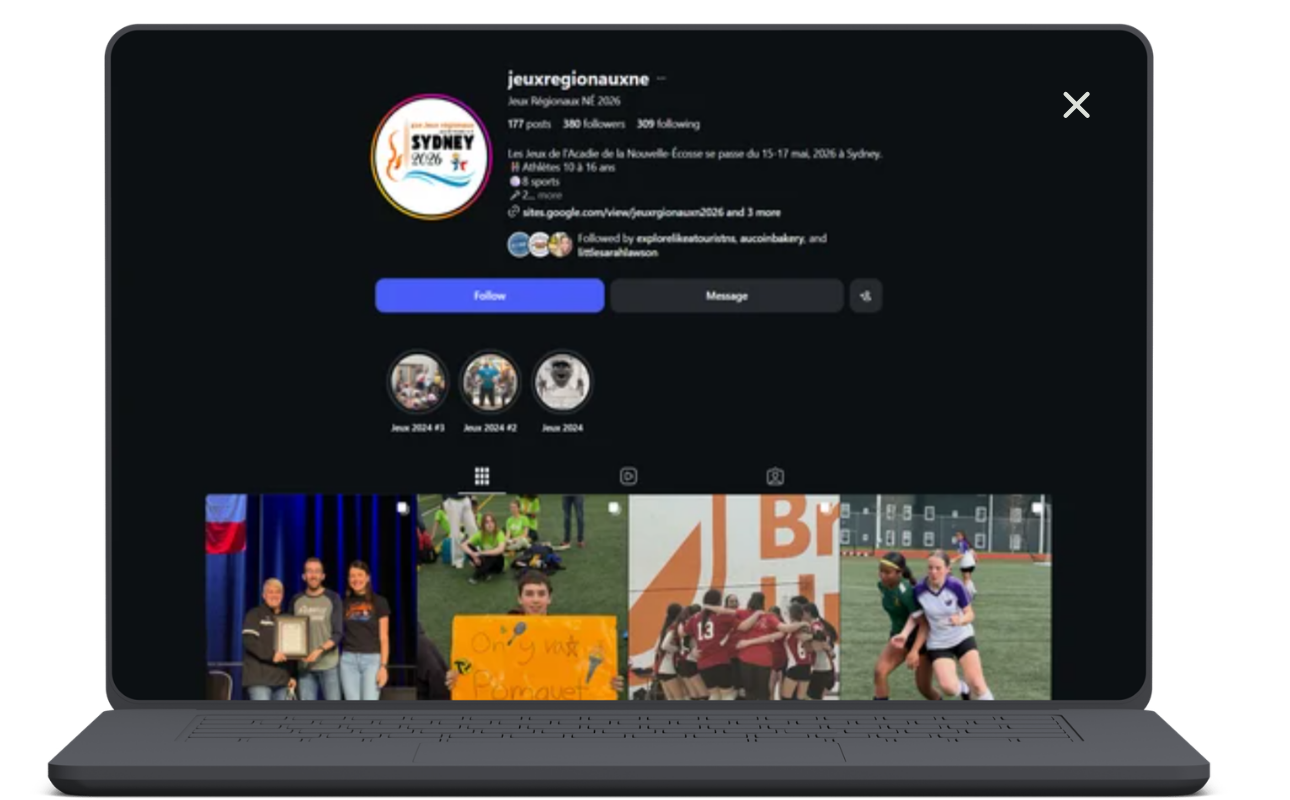
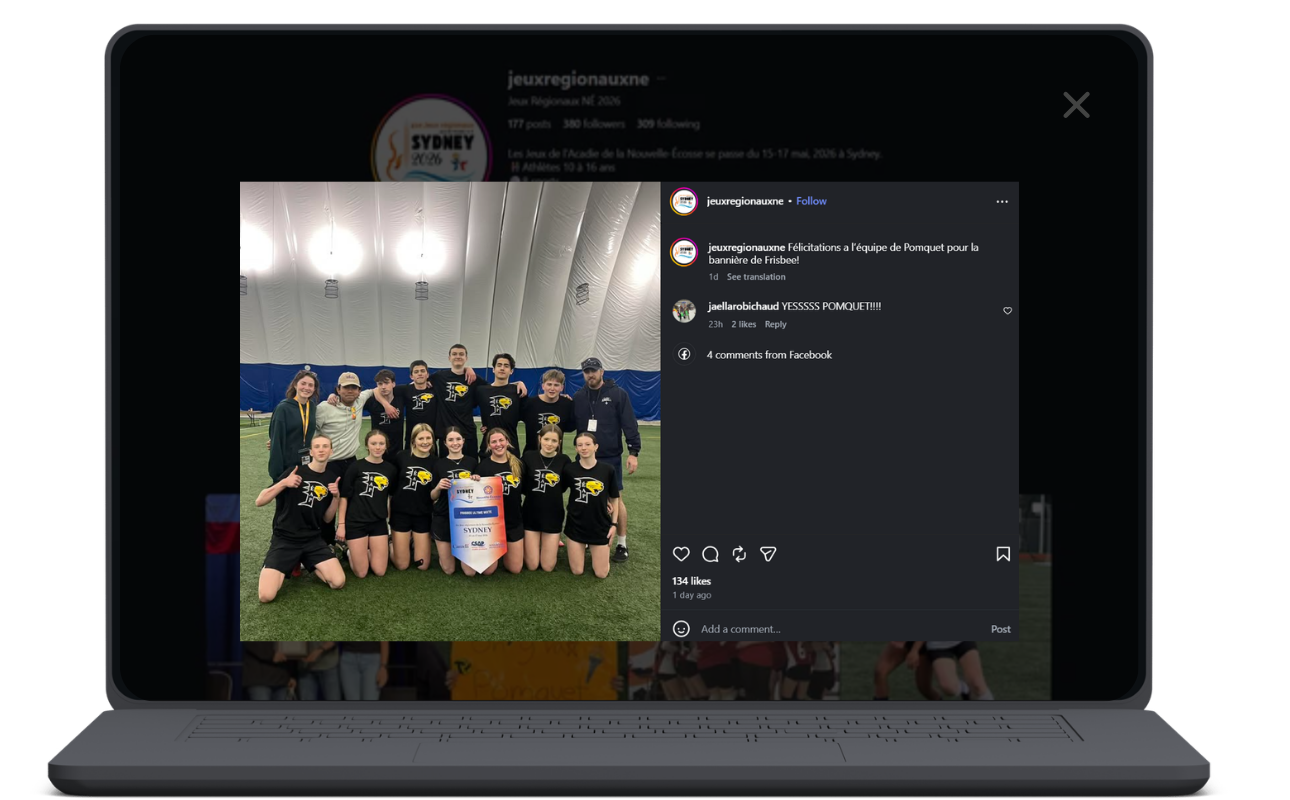
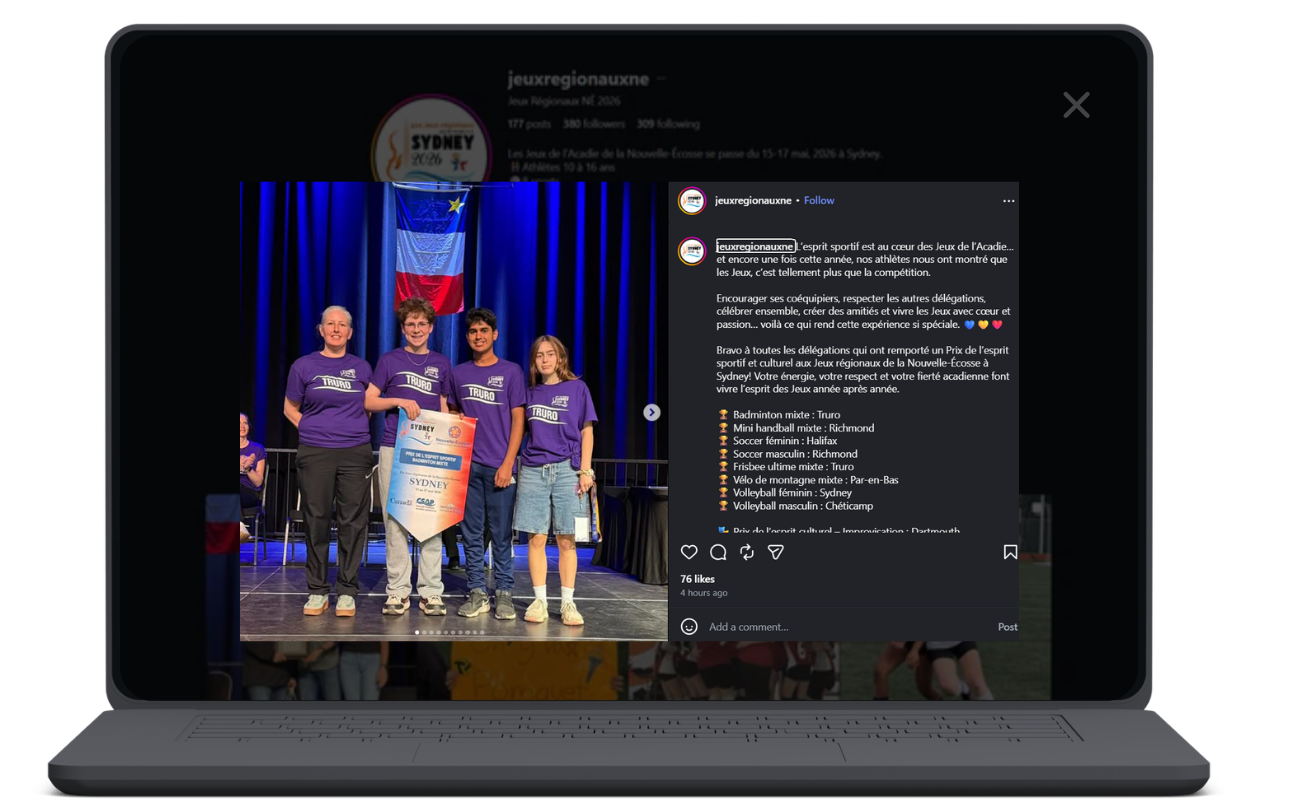
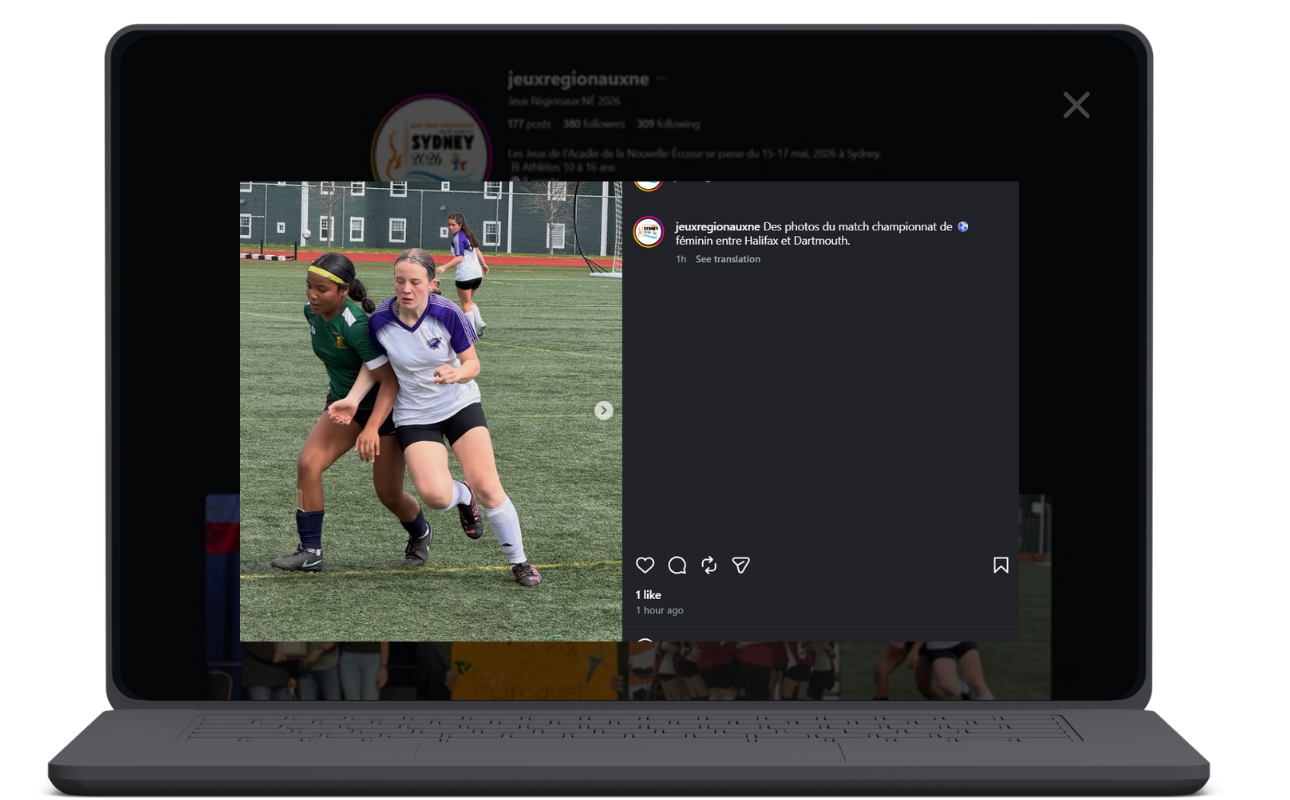
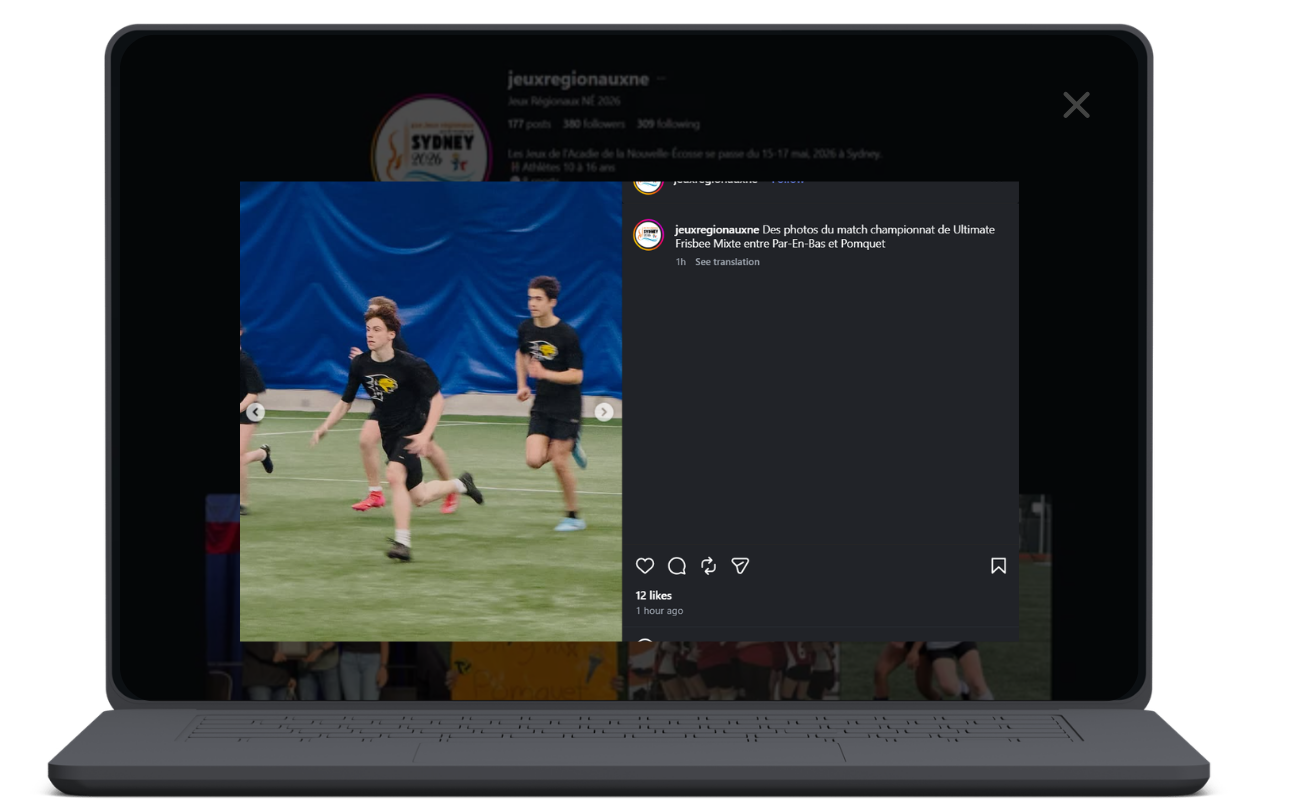
All the things? Shot on my iPhone.
I brought my camera too, but honestly, my phone did MOST of the work. Because when you're moving around an outdoor event all weekend, you grab what's fast. And fast is your phone.
My full setup for the weekend was:
My iPhone
A little tripod
A little clip-on mic
CapCut for editing when I had a few minutes.
That's it! I didn’t need a drone or fancy gear. Just that little thing that pretty much never leaves my hand or pocket anyway!
Content that connects
In a world of overly produced stuff, real moments connect!
People can tell when something was captured in the moment versus set up and staged. The real stuff is what makes someone stop scrolling.
And phones have come a LONG way. It’s not like we’re working on a flip phone or something.
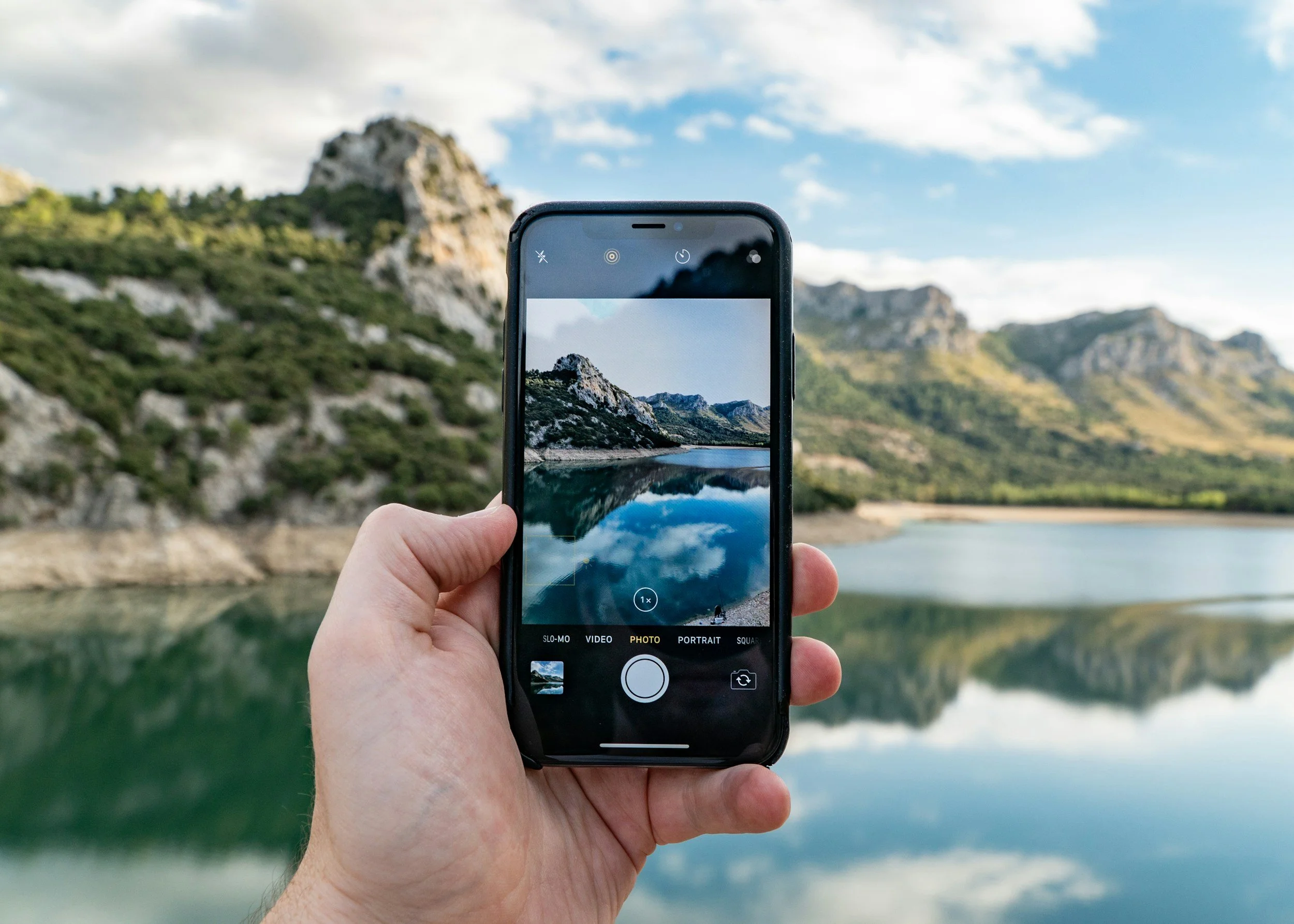
The camera on a current smartphone shoots high-quality photos and video, and the built-in or downloadable editing tools are incredible. You can shoot something and have it posted before you've had a chance to overthink it too much.
That last part? That's actually the goal. Posting, not overthinking, and not talking yourself out of it.
The apps I use (and actually recommend)
You don't need ten apps. You need a couple that you actually learn and use consistently.
Here's what's in my regular rotation, and all three are absolutely free to download.
Canva
Canva is where I go for anything graphic-related. Quote cards, promotional posts, event announcements, story graphics, and resizing content for different platforms.
The templates are easy to work with, and you don't need a design background. If you can drag and drop, you can use Canva.
CapCut
CapCut is my go-to for Reels and short videos. You can trim clips, add text, drop in audio, and put together something that looks polished without needing to know too much about video editing. A couple of quick tutorials on Instagram and you’ll be good to go.
iMovie
iMovie is worth knowing if you're on an iPhone and want to put together something a little longer, like a business overview or a behind-the-scenes video. It comes pre-installed on most iPhones, so there's a good chance you already have it sitting there unused. If not, grab it free from the App Store.
Note: iMovie is Apple only. If you're on Android, CapCut handles most of the same things.
Beyond those three, the built-in tools inside Instagram and Facebook have gotten a lot better than most people realize. Before you go downloading something new, spend some time inside the apps you're already using.
Where to start
If you're new to all of this, my honest suggestion is to pick one type of content that sounds fun or interesting to you and try making one thing. Once you get started and see how easy it can be, it becomes pretty fun!
If you like taking photos, open Canva and turn one of your photos into a simple graphic. Or, if you've been curious about video, open CapCut and play around with a clip from your camera roll.
Starting with something you're at least a little curious about takes the pressure off and makes the learning curve a lot more bearable.
Once you've made one thing, the next one is easier. That part I CAN promise.