How to Use Stories on Social Media (Even If You Hate Being on Camera)
If the thought of going on video talking to your phone makes your stomach drop, you are not alone.
A lot of business owners feel the same way. One of the biggest conversations I have when I’m meeting people is around how they don’t want to put their face online!
The good news? Stories on social media are one of the best tools for growing your business, and you DO NOT have to show your face to use them.
This post is for business owners who want to know how to use Stories to connect with their audience, build trust, and get more engagement.
Whether you are on Instagram, Facebook, or both, this guide will walk you through everything you need to know.
First, Let's Talk About Why Stories Actually Matter
The way I like to explain the importance of stories to my students and clients is like this:
Imagine you post something on your stories and it gets 200 views.
Your first thought might be ‘that’s not a lot for how much effort I put into this!’, but let’s think about that for a second.
If 200 people walked into a room to hear you speak, that would feel like a big deal.
That is a full house! Those 200 people are real humans who are interested in what you do.
Stories give you a way to reach those people, including the ones who are not actively scrolling through your feed.
Some followers check Stories first because it is quick, up-to-date, and easy to catch up on. They want to see what is new without having to scroll through an entire app.
Studies consistently show that Stories generate strong engagement rates compared to regular feed posts.
People tap through Stories because the format feels current and personal. Your audience is already there. Stories help you show up for them.
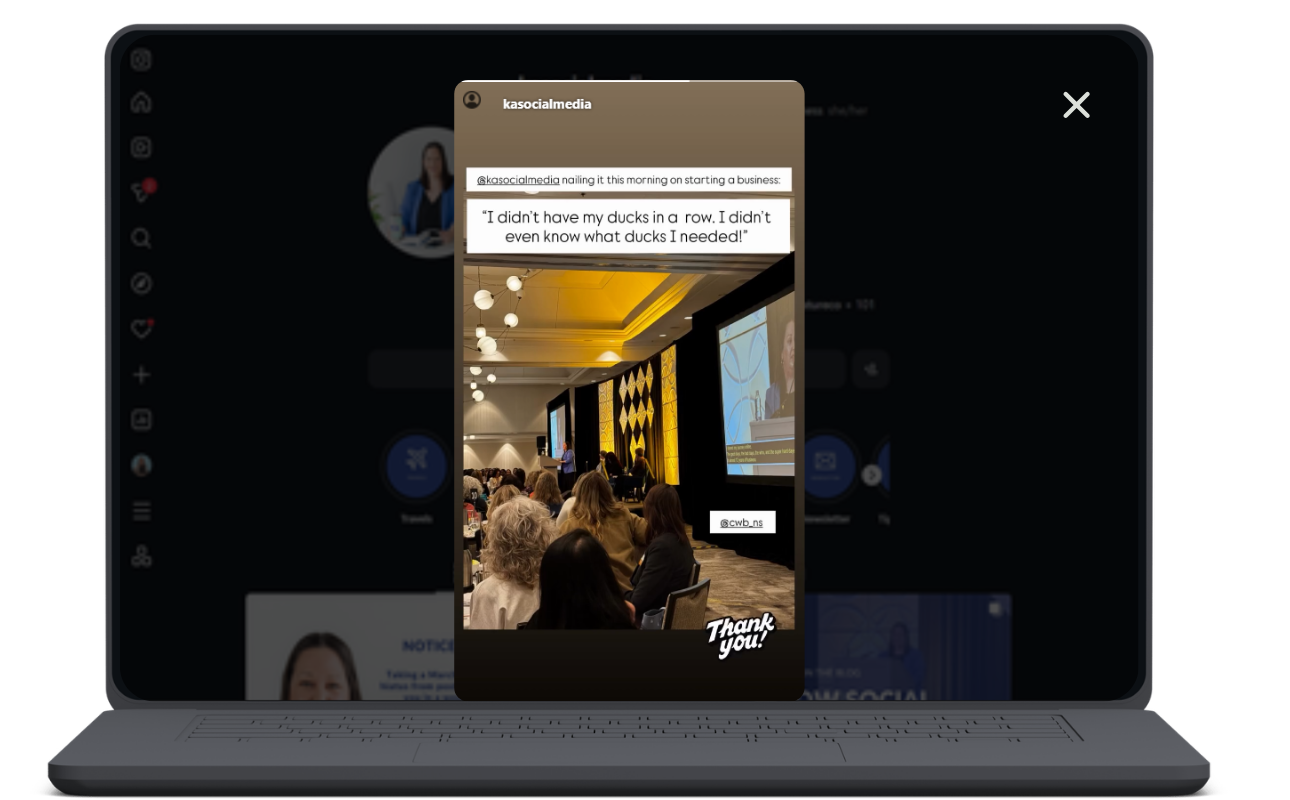
Speaking at an event? Sharing other people’s content counts as a behind the scenes peek at your business!
You Do Not Have to Be on Camera
Okay, we know that having your face on camera is going to be more engaging than not having it. So now we’ve acknowledged the elephant in the room, it’s time to put down the idea that anything that doesn’t have your face in it doesn’t count. Because it does!
Face-free content can be engaging to your viewers. It’s definitely a lot more engaging than, say, no content?!
Stories are not only for selfie videos. You can share:
A photo of your workspace
A behind-the-scenes shot of your product or service prep
A graphic with a tip or question
A screenshot of a review or message
A poll or question sticker
The stickers alone are worth using. Ask a question. Run a poll. Use the quiz feature. These tools get your audience talking and give you real feedback about what they want.
That is research and engagement happening at the same time, without you ever needing to appear on screen.
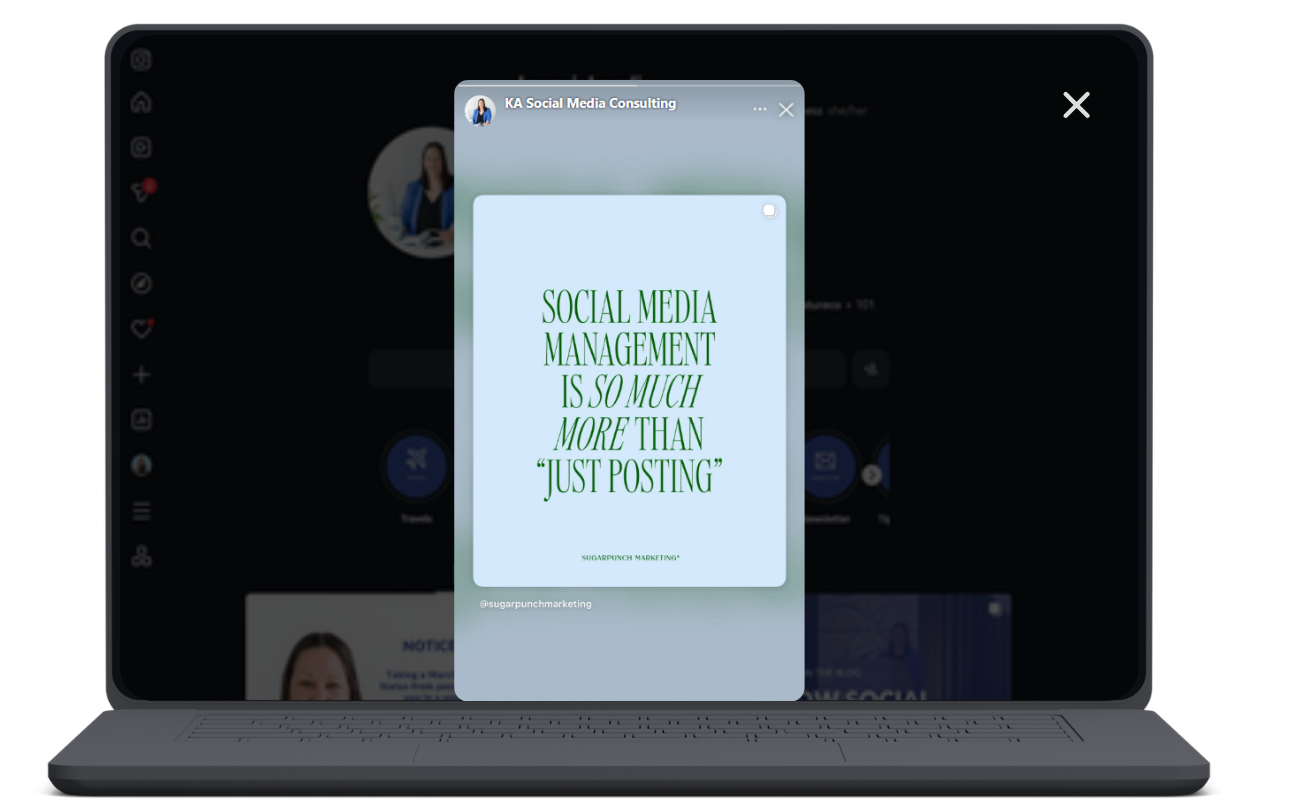
Don’t have anything on your feed to post? You can share other people’s posts if they reflect your business!
What to Post on Stories (Even during a Busy Day)
Stuck on ideas? These take only a couple of minutes and work well for any type of business.
Share a new product or service.
Did something new launch? Tell people in Stories before you even post it to your feed. It feels like an exclusive heads-up.
Go behind the scenes.
Show what your workday looks like. Even something small, like packing an order or setting up for a client call, gives a real look at your business.
Be a little personal.
Are you grabbing coffee this morning? Do you have weekend plans? Sharing small moments like these helps people feel like they know you. The know, like, and trust factor is what gets people from "I follow this account" to "I want to hire this person."
Ask a question.
Use the question sticker and ask something related to your business. "What is your biggest challenge with social media?" or "Would you rather see tips or examples?" Both answers help you create better content.
Show your current setting.
A quick photo of where you are working today, a view from your window, or even your coffee mug can spark a conversation. You do not need a full production. A real moment is more relatable than a polished photo most days.
How to Use Story Features to Build Engagement
Stories are built for interaction. Here is how to make the most of the features available to you:
Polls get fast responses because they only take one tap. Ask something easy like, "Do you use Stories for your business? Yes or No?"
The question sticker lets followers send you messages directly. This opens a conversation and gives you ideas straight from your audience.
Countdown stickers build anticipation for a launch, a sale, or an event.
Links let you send people directly to your website, a booking page, or a product.
Each of these features increases the chance that someone engages with your content. More engagement means more people see your content over time.
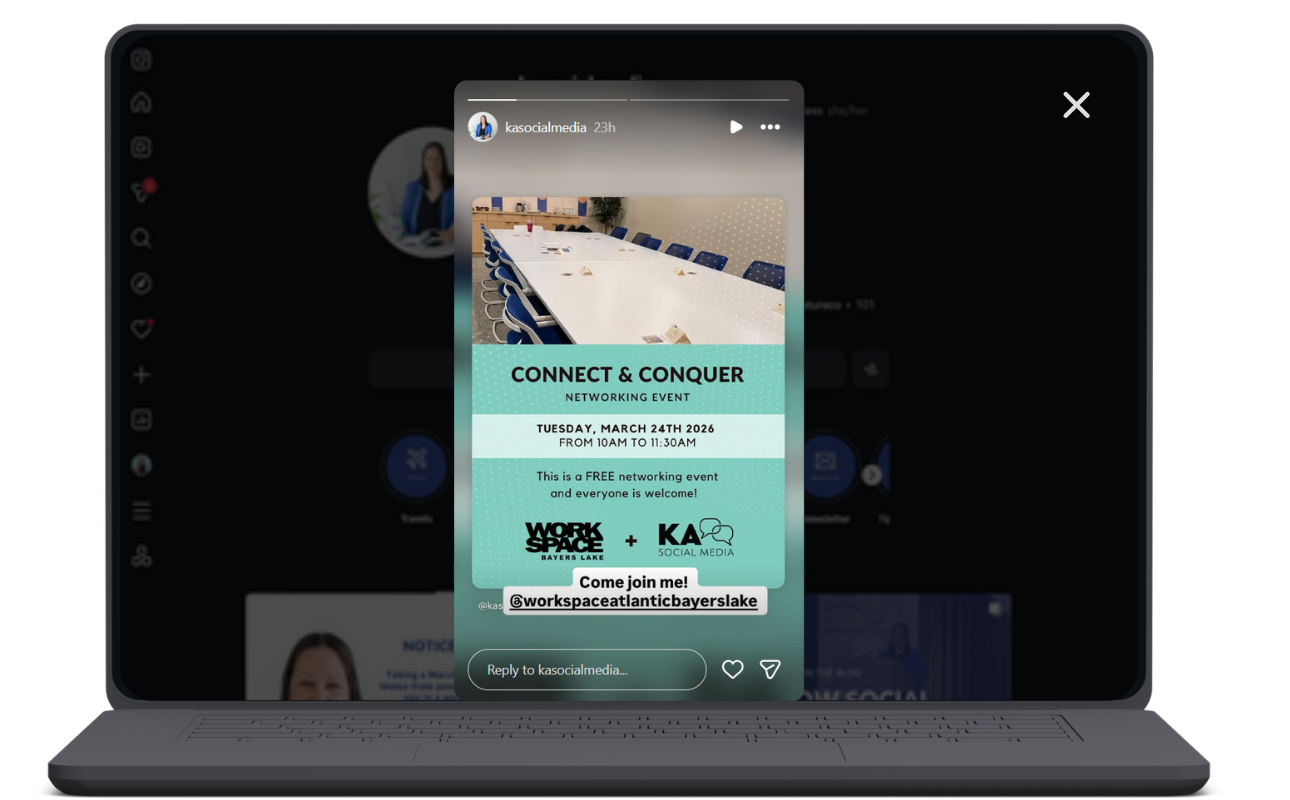
Stories are a great place to share events too!
Stories vs. Feed Posts?
Your feed is like your about page. It shows what you do, who you are, and what you offer (hopefully.) It’s static, updating only when you schedule posts to it.
Stories are more like a conversation. They last 24 hours and feel in the moment. Many people check Stories before they scroll their feed because it feels more like catching up with someone than browsing a catalogue.
Using both together gives you the best of both worlds. Your feed builds credibility. Your Stories build connection.
Quick Tips to Get Started
Post one Story today, even if it is a photo of your desk with a simple text overlay.
Add a poll sticker to your next Story and ask your audience something easy.
Share the next new thing happening in your business before you post it to your feed.
Stories disappear after 24 hours, so the pressure is low.
Consistency matters more than being perfect. Showing up regularly builds trust faster than one perfectly edited video.
If you have been putting off Stories because you did not know where to start, now you do.
Small, consistent actions in Stories can build a real connection with your audience over time.
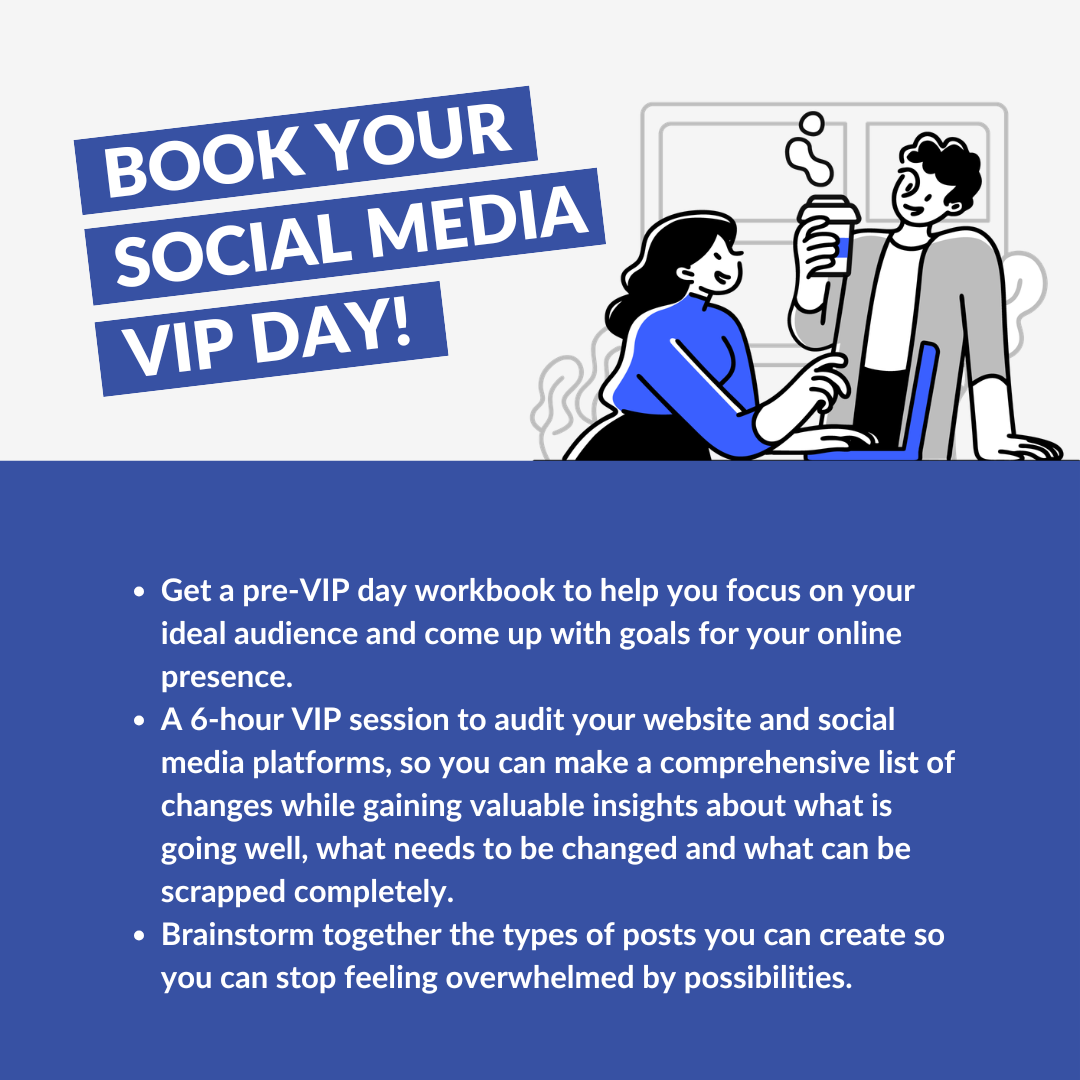
Feeling like you want someone to help you pull it all together? A VIP Day with KA Social Media is exactly that.
In one focused session, I’ll help you build a social media plan that fits your business, your schedule, and your comfort level.